
Immersive Launcher: Control Your Immersive Room from One Tablet
Immersive Launcher is the room control and content presentation software within Immersive Suite. From a single tablet, operators can start and shut down the immersive room, launch applications, display and position existing media, and control sound and lighting. Room configurations — including visual layout, audio levels and lighting settings — can be saved as reusable scenes and recalled whenever needed.
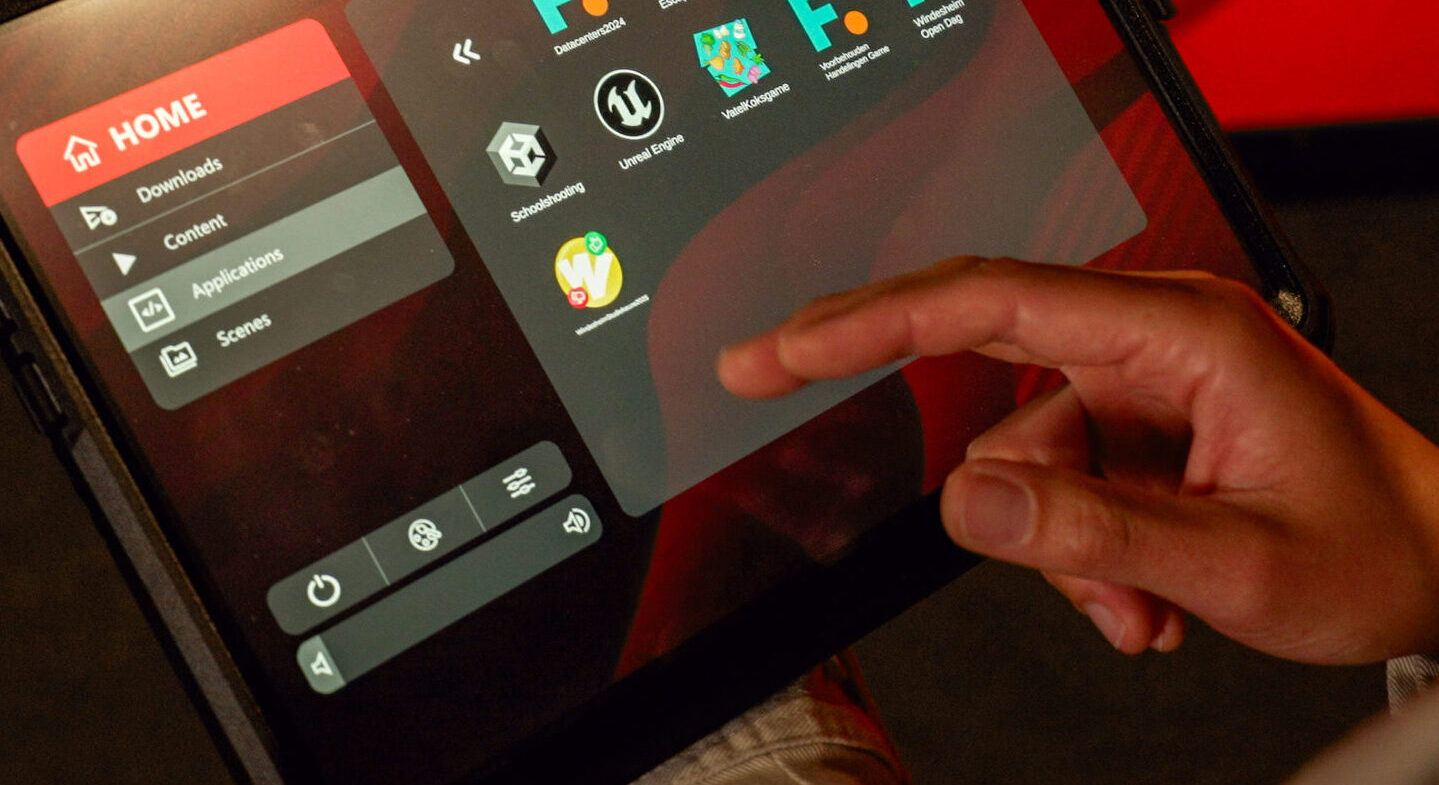
Start and shut down the room
Start the immersive computer and display walls from the tablet. Once the system is ready, the HOME screen gives access to content, applications, streams and scenes. At the end of a session, use the shutdown function to switch off the room safely.
Manage media, applications and live inputs
Open images, video, audio and configured applications. Display available live sources such as a laptop feed, camera, HDMI input or webcam. The available applications and inputs depend on the room installation.
Position content where you need it
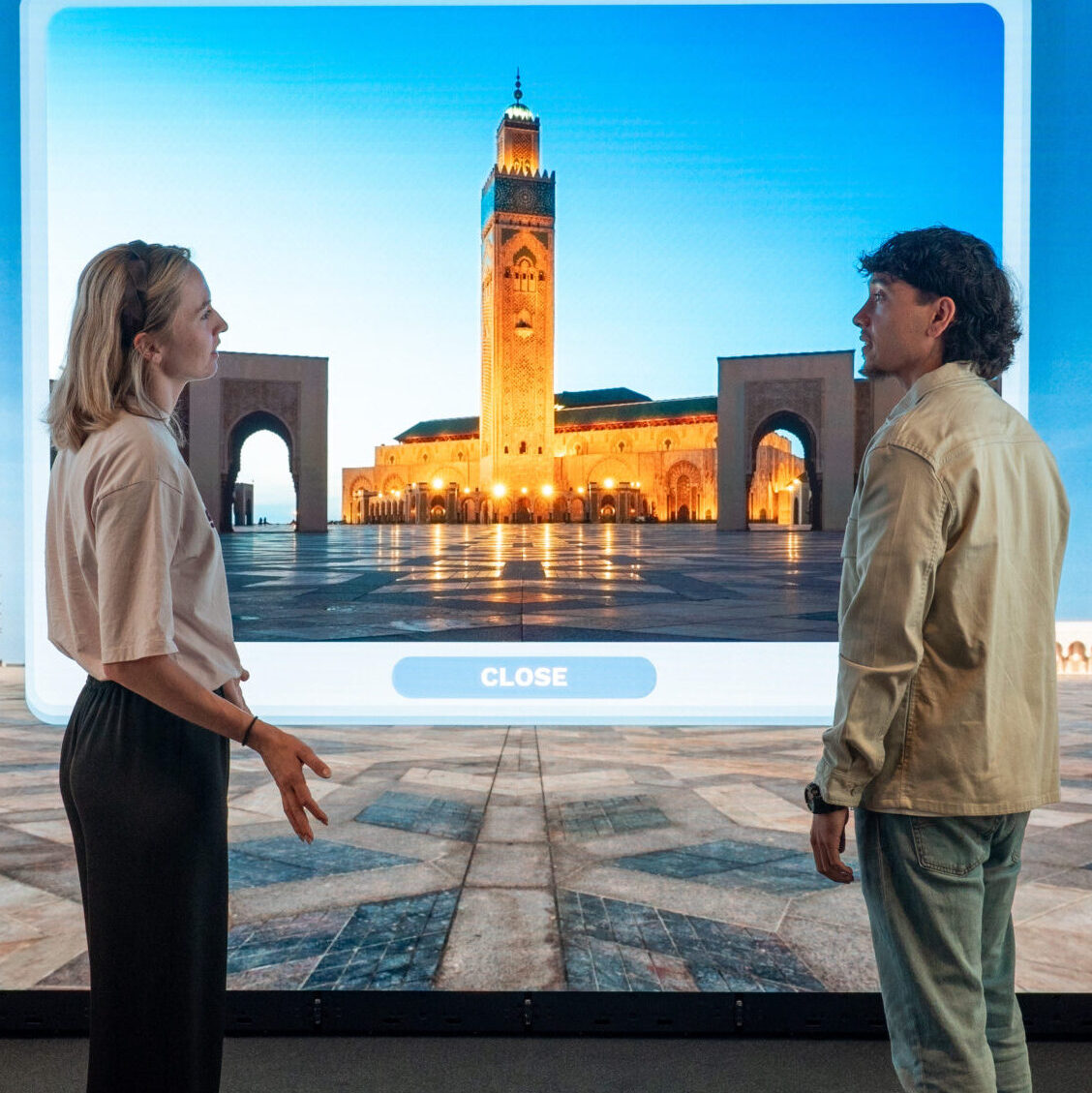
Scale, crop and position images, videos and live sources horizontally or vertically. Display content on the left, centre or right wall, or across all walls. For 360° images, rotate the environment and adjust its vertical position.
Save room configurations as reusable scenes
A scene stores the arrangement of displayed content together with sound, lighting and other room settings. Position existing media, adjust the room settings, save the configuration under a recognisable name and recall it later. Launcher does not create presentations or interactive content.
A typical workflow
1
Start the room
2
open media or an application
3
position content on the walls
4
adjust sound and lighting
5
save as a scene
6
reopen the scene for your next session.
Experience the Immersive Launcher in action
Watch the Immersive Launcher tutorial or book a live demonstration.
faq
No. Use Immersive Hotspots to author interactive touch points, quizzes and linked scenes.
Yes, when suitable inputs have been configured for the installation.
A Teams session can be launched if Teams has been configured for that room.